Title: Album-Calendar App Idea Dump
Abstract: album picks, nominations, edit mode, reveal flow, simple app, load 24 items
Polished transcript:
Making album calendar. Every year, me and my buddy compile lists of our favorite albums from the year that went. We make it into a Christmas calendar, where each day reveals the other person’s album pick of the day. Twenty-four picks each, until Christmas Eve. We write a little something about our pick, almost like a review, and we highlight tracks worth listening to.
Our album calendar has gone through a couple of iterations over the years. Some ideas include involving more people, sharing our picks on Instagram, having stickers to kind of… you know, when there were more people involved, we could react to stuff that we read and, you know, sort of an interactiveness to it. We also included almost like stamps where we’d nominate certain albums to be “album of the year,” “best track of the year,” “best new artist,” and so on. Try to have nominations.
And we’re gonna do it this year too, but right now we’re at Sunday, November 23rd, and I’m thinking… you know, I’m rigging this right now to suit our lives, because my buddy became a father. He has a baby at home, and writing one text each day has proven to be pretty heavy work. Even in the years we’ve just done this, it’s so much effort into one Christmas calendar.
I suggested to him that we skip the writing. We just do reveals of our picks and that’s it. But I was thinking I could vibe-code it, because I was thinking we could use an app. Something on our phones that is more available than going into Figma and being in an open canvas. And I thought this is a really good use case, because we are only two people, we have very concrete stuff we want to do.
We have two pages: one for me, my album picks—24 boxes—and they are hidden until you open them and reveal. And I suggested to Bendik that we also do the nomination thing, and do that for all of the records. That means instead of writing a text for each record, we write something—you know, we have to give it a nomination. I think that’s fun. The nominations can be a bit silly, like “drop of the year,” “glitch of the year,” “best vocal performance,” or “worst album.” Jokes. And we have to pick 24 of those each, and I think that’ll be a perfect little creative exercise. In addition to actually picking the albums.
Also, I have already compiled the list, so it makes it easier for me when I have this time to kind of prepare something for him. Obviously, I just want to send him a link and he gets it.
So that’s where we’re at. We need to discuss how to build it, me and you, chat, but I’m pretty confident that it can work.
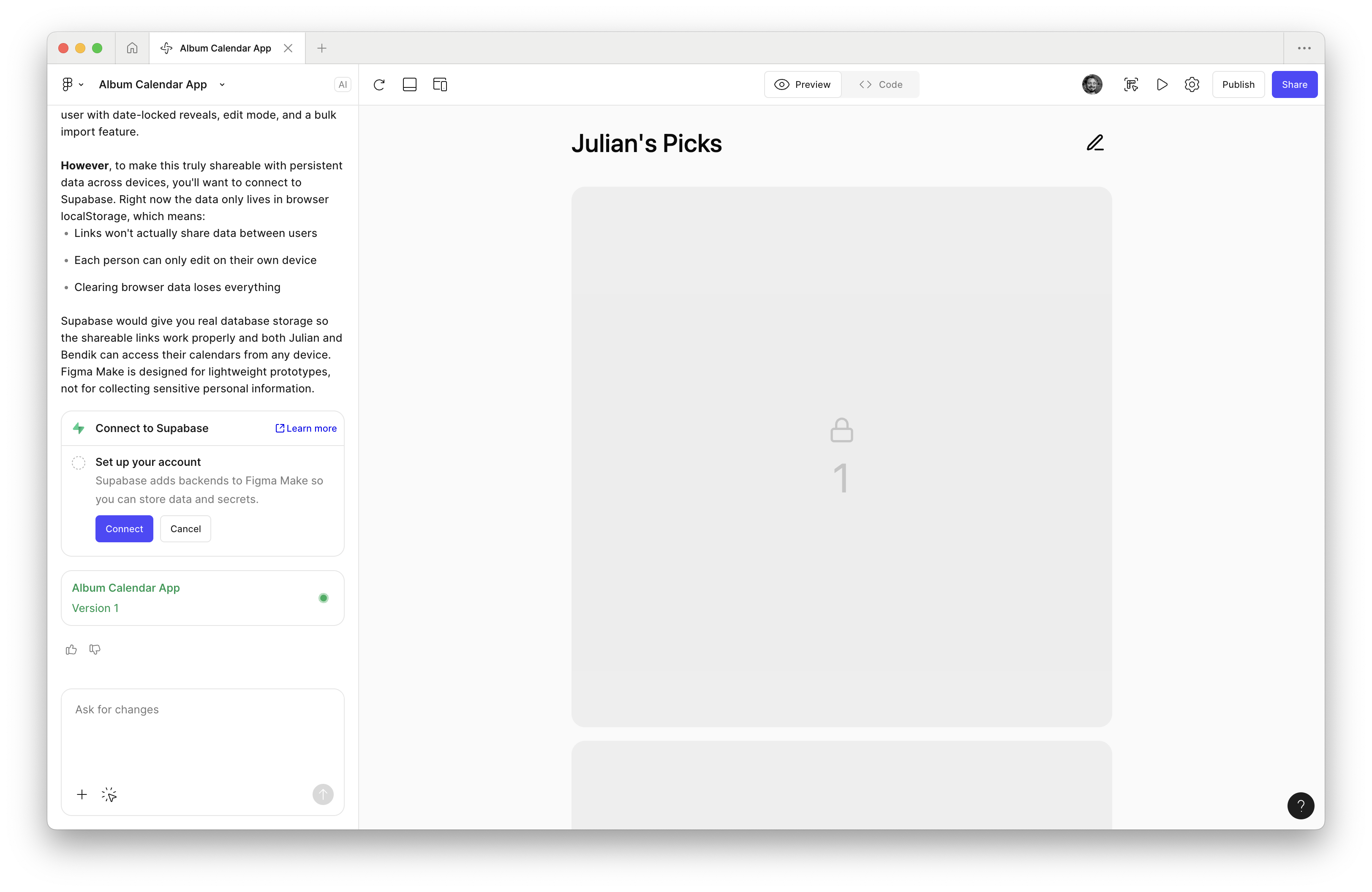
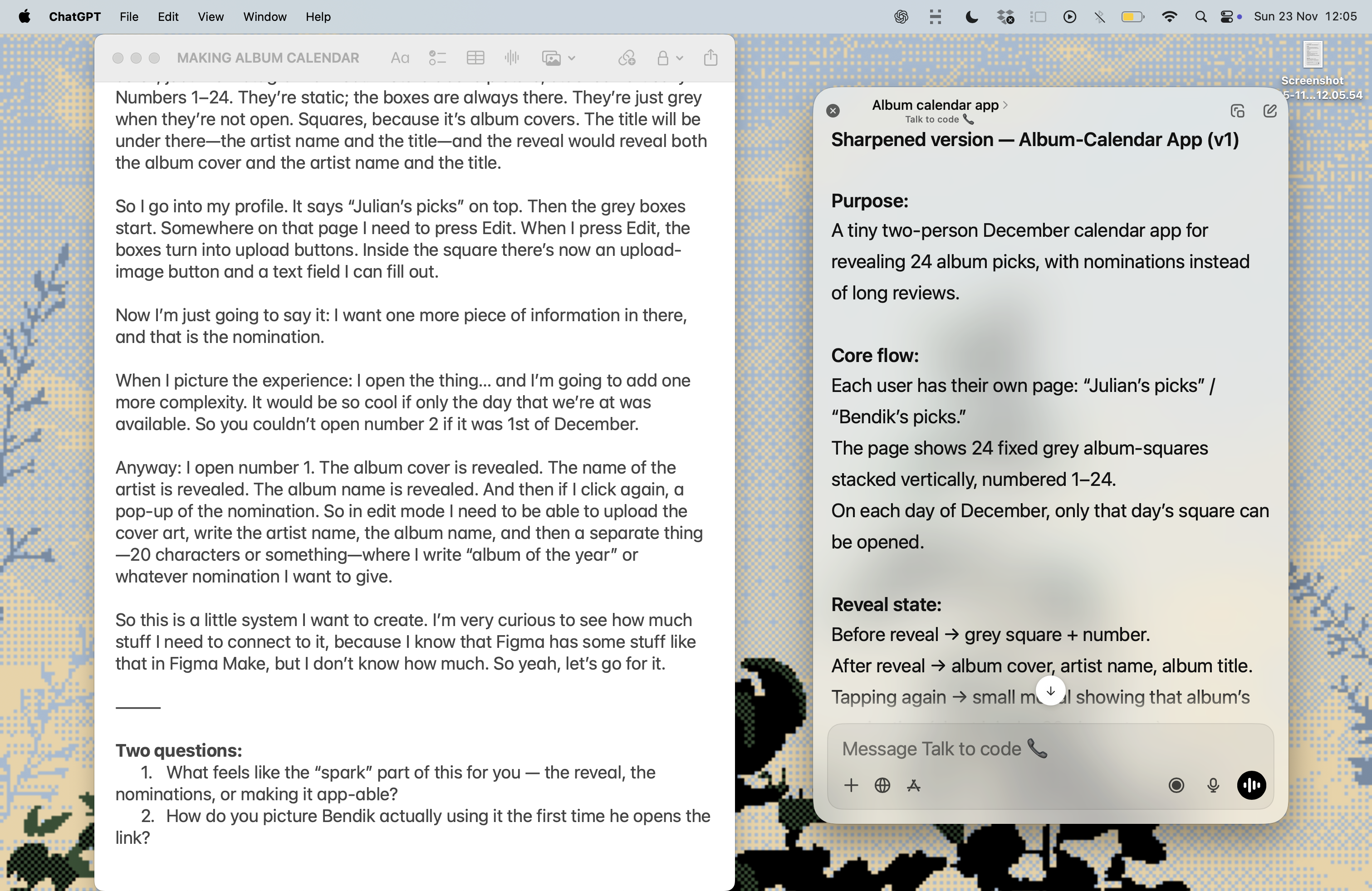
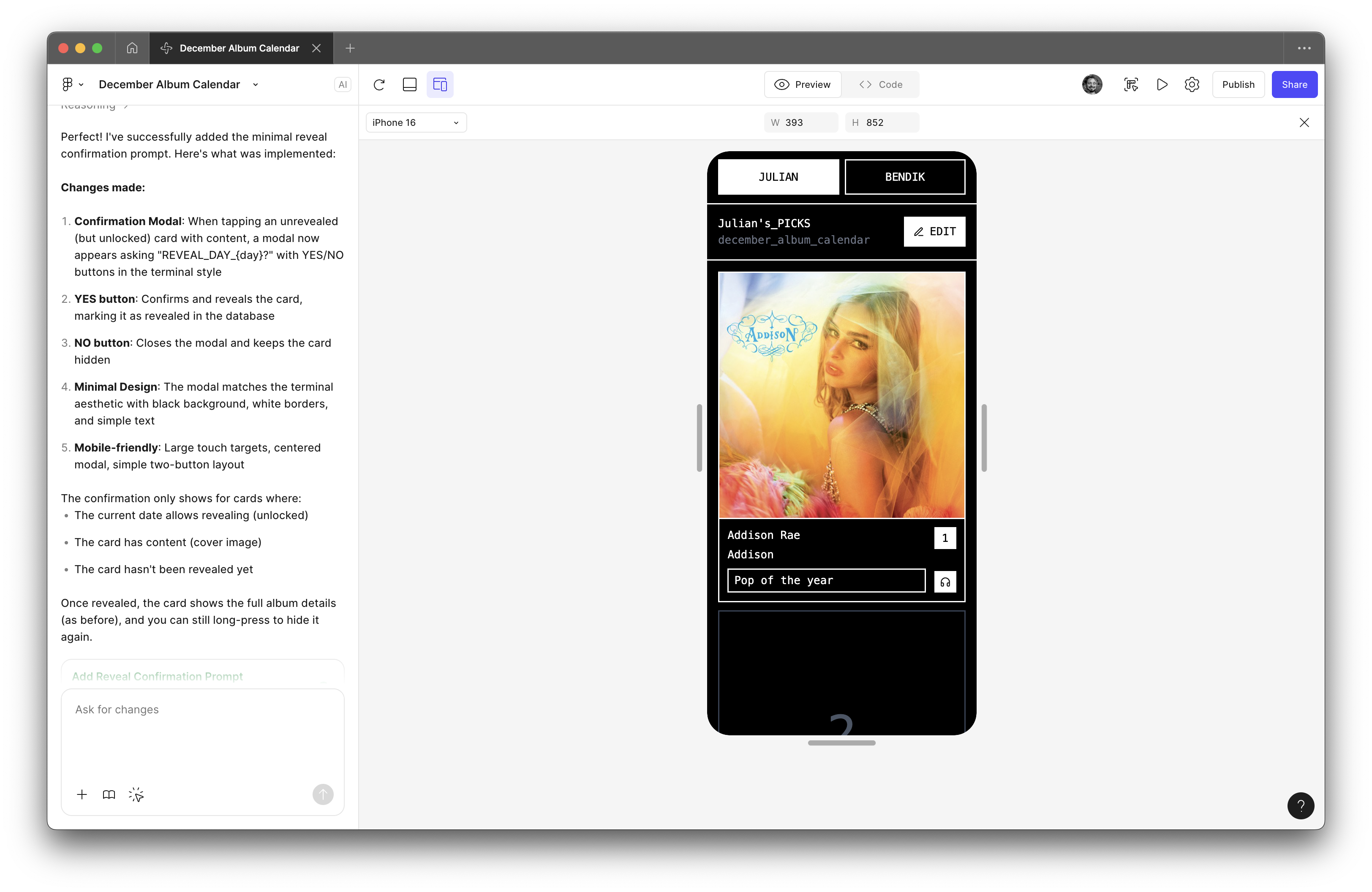
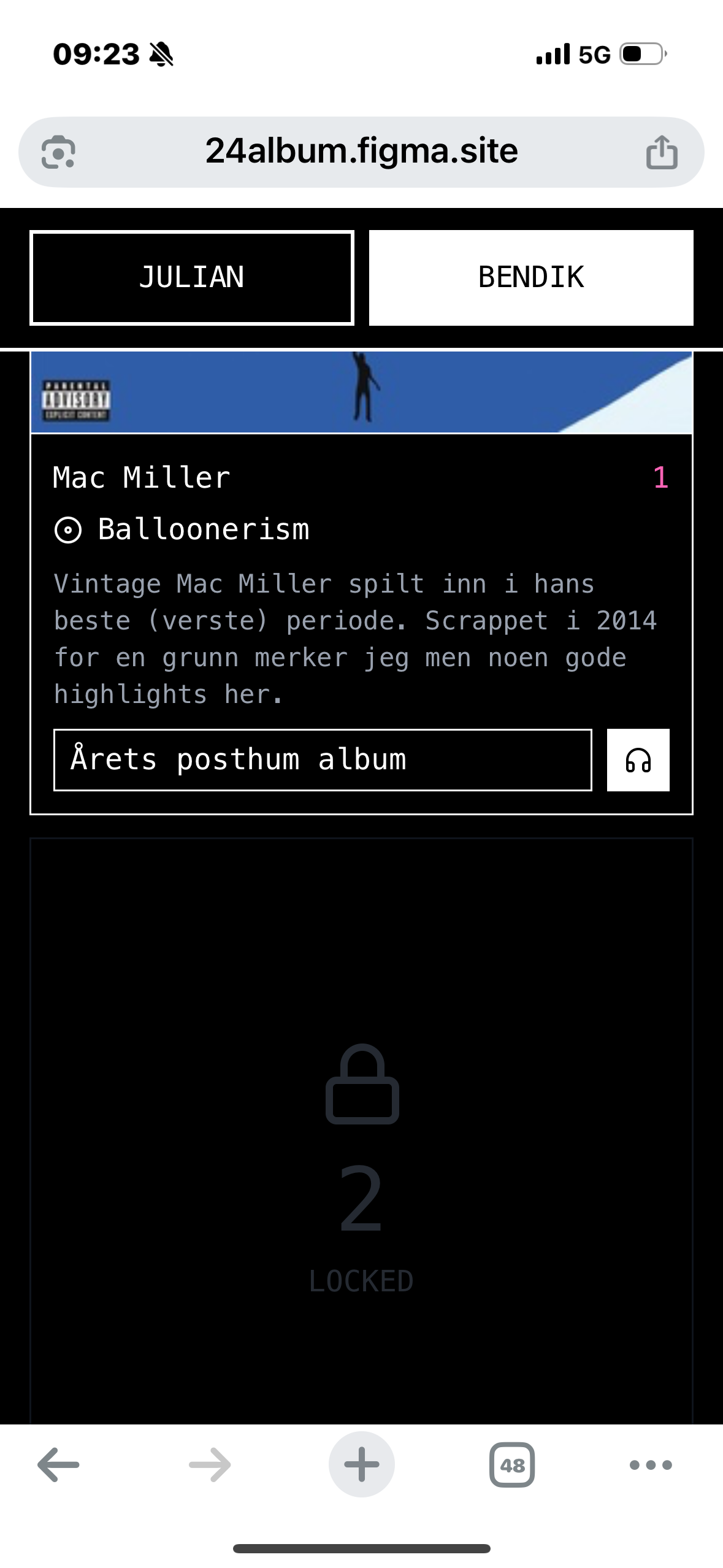
Now the challenge is that we need to be able to edit. We need to go in and press each of the boxes to add our albums, and we need to add in bulk—I think that’ll be best. So, we go into our platform, and I don’t know how the admin bit will look, but say I’m going into the app: I see all my 24 boxes, you scroll, just like Instagram almost. Picture above picture, stacked vertically. Numbers 1–24. They’re static; the boxes are always there. They’re just grey when they’re not open. Squares, because it’s album covers. The title will be under there—the artist name and the title—and the reveal would reveal both the album cover and the artist name and the title.
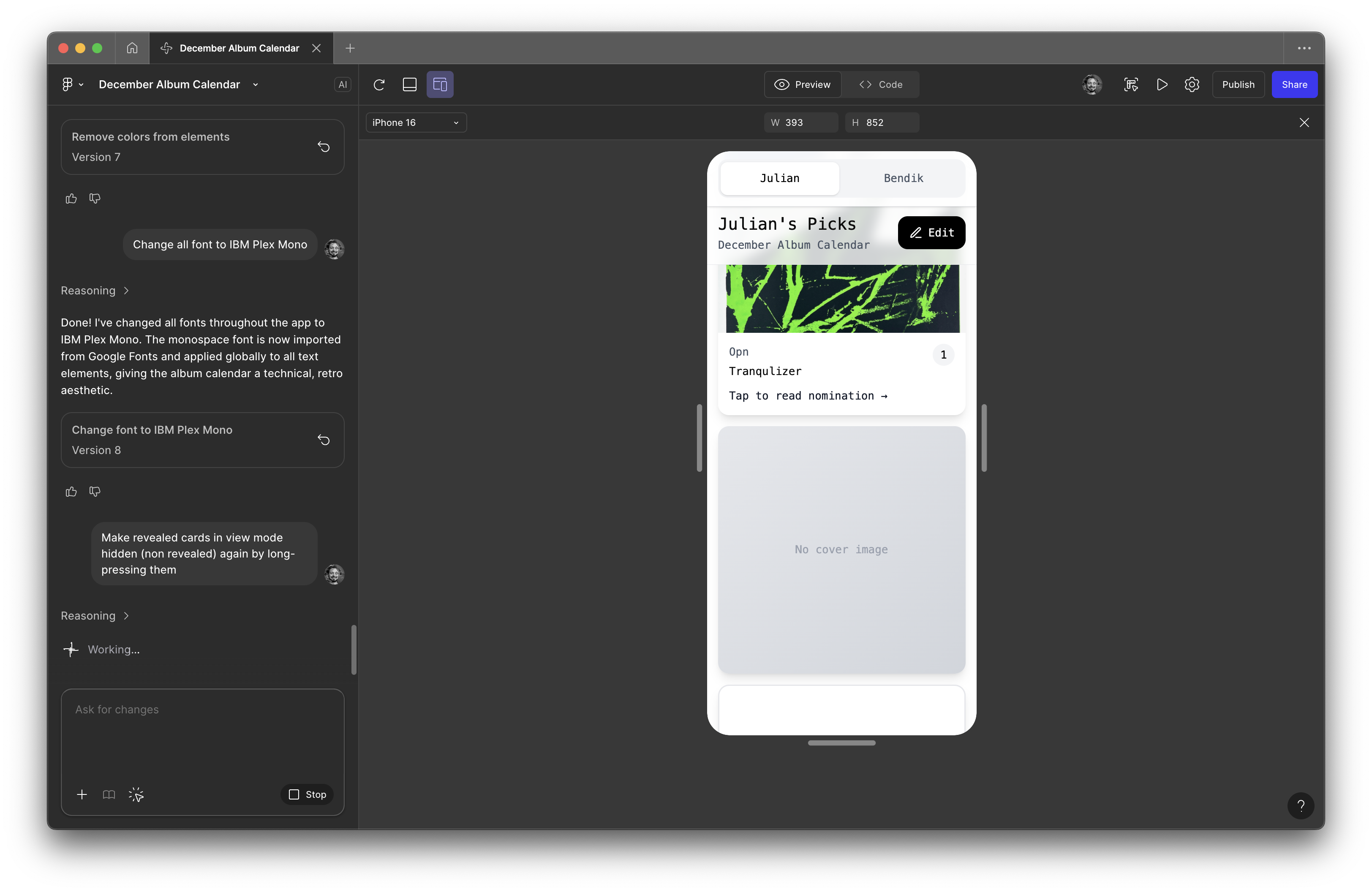
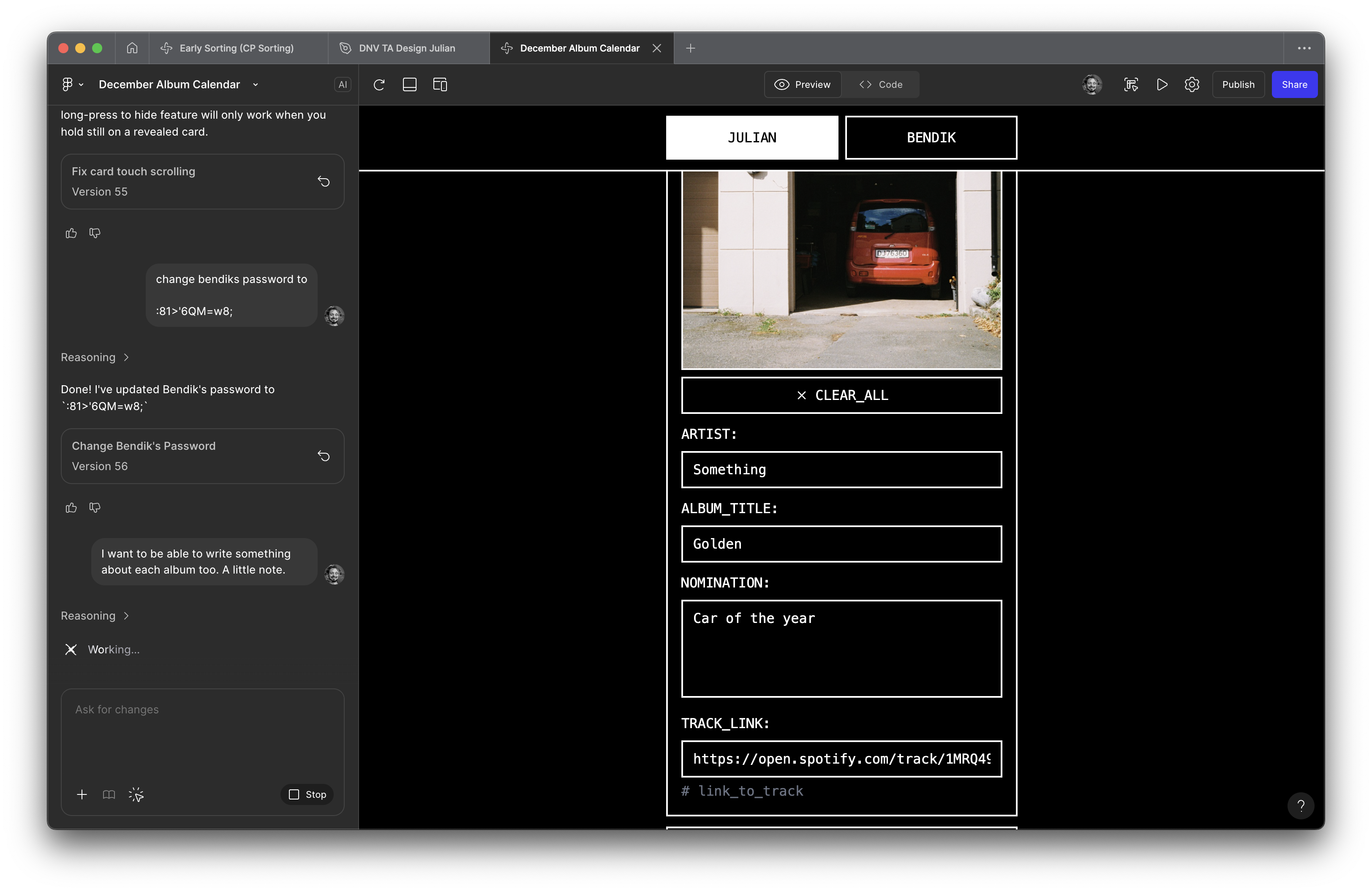
So I go into my profile. It says “Julian’s picks” on top. Then the grey boxes start. Somewhere on that page I need to press Edit. When I press Edit, the boxes turn into upload buttons. Inside the square there’s now an upload-image button and a text field I can fill out.
Now I’m just going to say it: I want one more piece of information in there, and that is the nomination.
When I picture the experience: I open the thing… and I’m going to add one more complexity. It would be so cool if only the day that we’re at was available. So you couldn’t open number 2 if it was 1st of December.
Anyway: I open number 1. The album cover is revealed. The name of the artist is revealed. The album name is revealed. And then if I click again, a pop-up of the nomination. So in edit mode I need to be able to upload the cover art, write the artist name, the album name, and then a separate thing—20 characters or something—where I write “album of the year” or whatever nomination I want to give.
So this is a little system I want to create. I’m very curious to see how much stuff I need to connect to it, because I know that Figma has some stuff like that in Figma Make, but I don’t know how much. So yeah, let’s go for it.
⸻
Two questions:
1. What feels like the “spark” part of this for you — the reveal, the nominations, or making it app-able?
2. How do you picture Bendik actually using it the first time he opens the link?
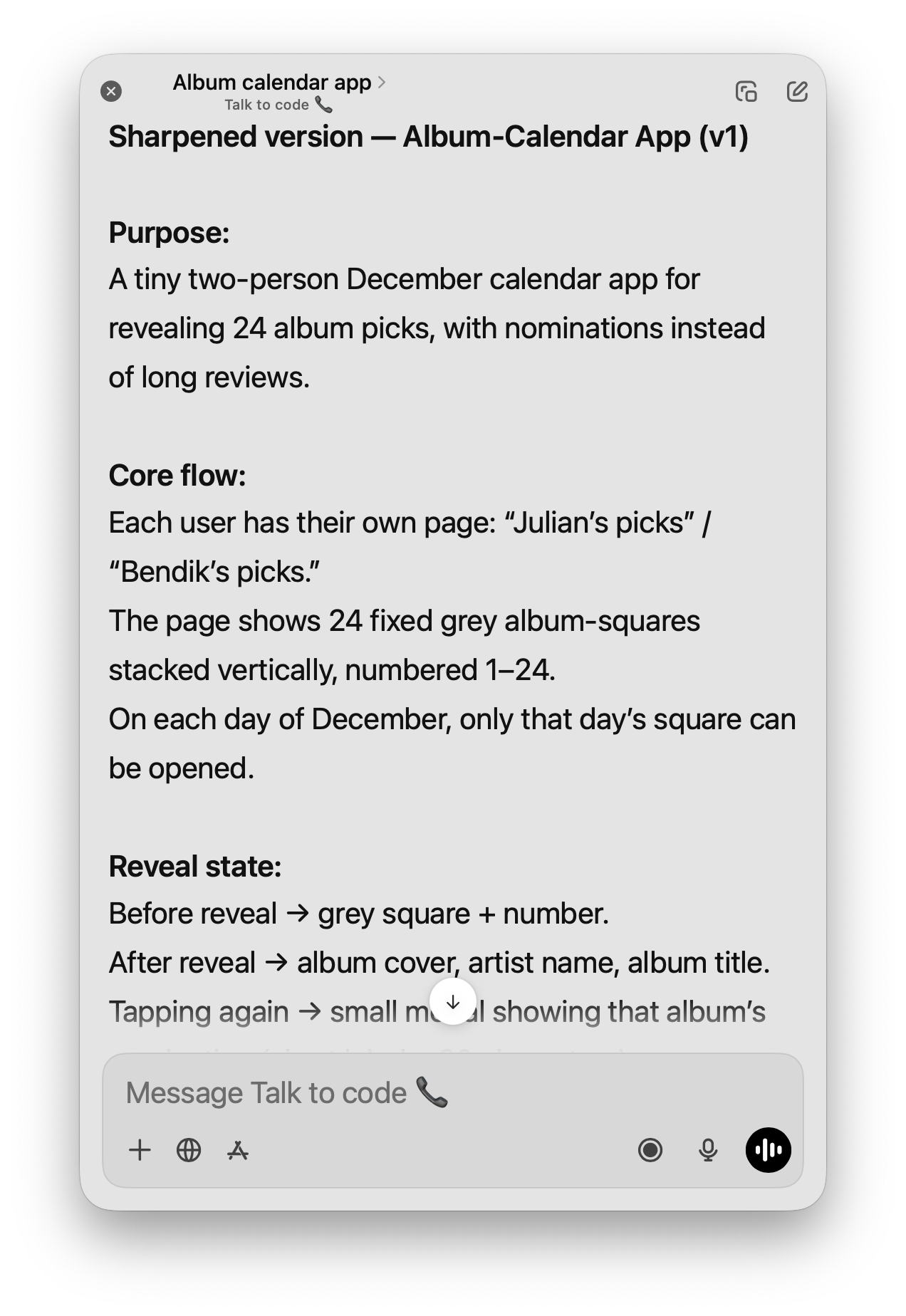
I’m building a tiny December “album calendar” app for two people. Each person picks 24 albums from the year, one for each day leading up to Christmas. On each day, only that day’s album can be revealed. The reveal shows the album cover + artist + album title, and a secondary tap opens a small modal with a short “nomination” (a playful award like “drop of the year,” “weirdest glitch,” etc.).
We need:
• A simple UI with 24 fixed squares per user (Julian / Bendik).
• A private edit mode where each person uploads their album covers and fills in text fields.
• A reveal mode that locks days until the correct date.
• Shareable link per user, no login.
• A clean, minimal mobile flow.
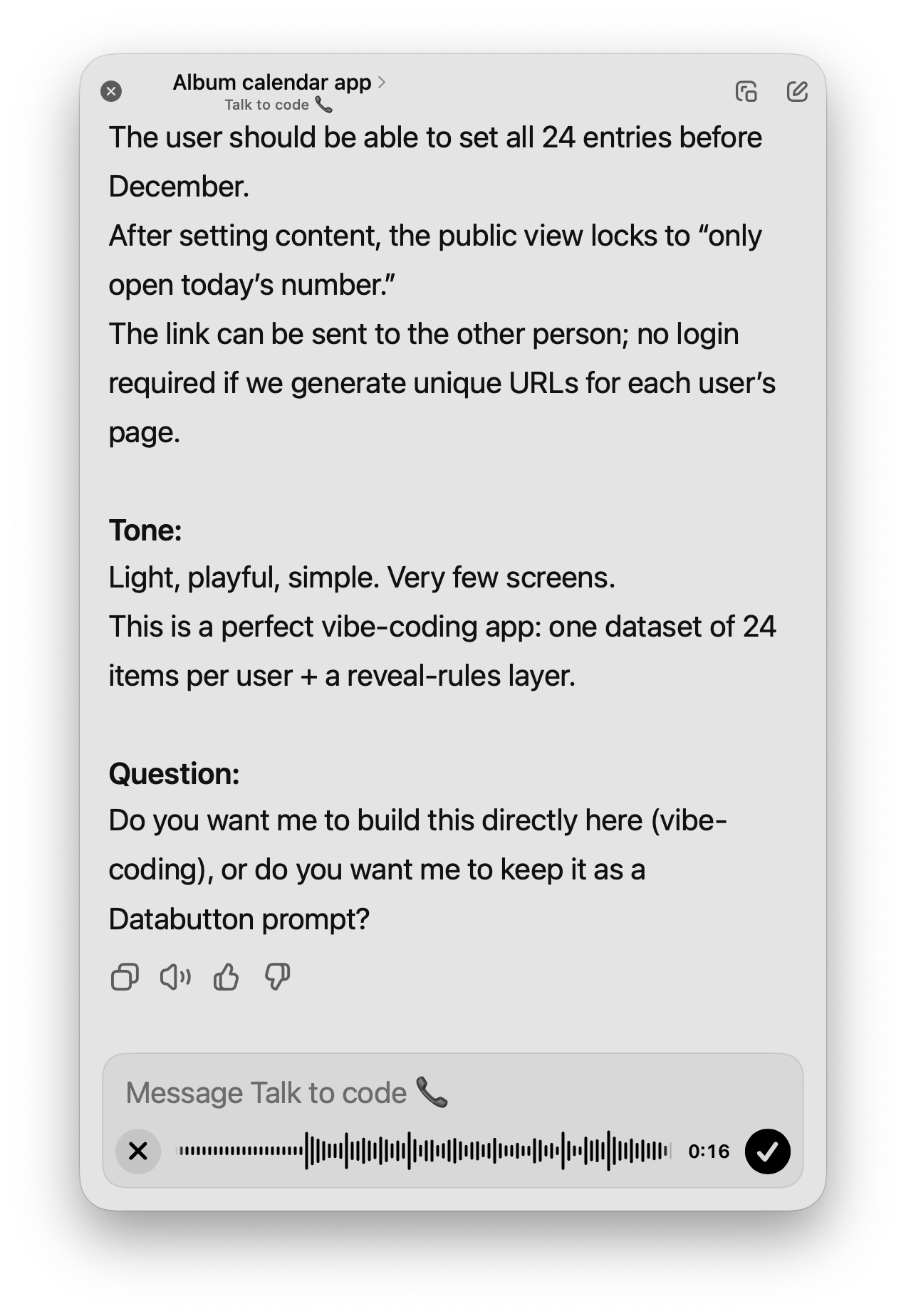
This is meant to be super simple to build, ideal for vibe-coding inside Figma Make.
⸻
Build a simple mobile-first web app with two user pages: Julian’s Picks and Bendik’s Picks. Each page contains a fixed list of 24 album slots, numbered 1–24, stacked vertically like Instagram post cards (full-width squares).
DATA MODEL (per user)
Create a dataset called albumPicks with 24 rows per user.
Fields per row:
• day (number 1–24)
• coverImage (image / URL / blob)
• artist (string)
• albumTitle (string)
• nomination (string, max ~20 chars)
• revealed (boolean; default false)
Each user has a unique URL (e.g., /julian and /bendik) loading only their dataset rows.
MAIN VIEW (Public View)
For each user page:
• Title at top: Julian’s Picks / Bendik’s Picks
• Under it, show 24 static squares, one per row.
• Before reveal: Square is grey, shows only the day number.
• Reveal rule: Only allow interaction if today’s date is ≥ that day in December.
• On tap after valid date:
• Reveal album cover, artist name, album title.
• Save revealed = true.
• On second tap:
• Open a lightweight modal containing only the nomination text.
EDIT MODE
Add an Edit button at the top of the user page:
• When Edit is ON, every square becomes an editable block.
• Each block contains:
• Image upload field → writes to coverImage
• Text field → artist
• Text field → albumTitle
• Text field → nomination
• No reveal rules apply in edit mode.
• Provide a quick way to jump between days (e.g., tap the day number).
BULK ADD OPTION
Optional but nice:
• A multi-line paste field where the user can paste 24 lines formatted as:
artist – album title – nomination
• Auto-populate rows 1–24 in order.
GENERAL BEHAVIOR
• No authentication; unique shareable URLs per user.
• All data must persist.
• Keep everything light, minimal, and playful.